
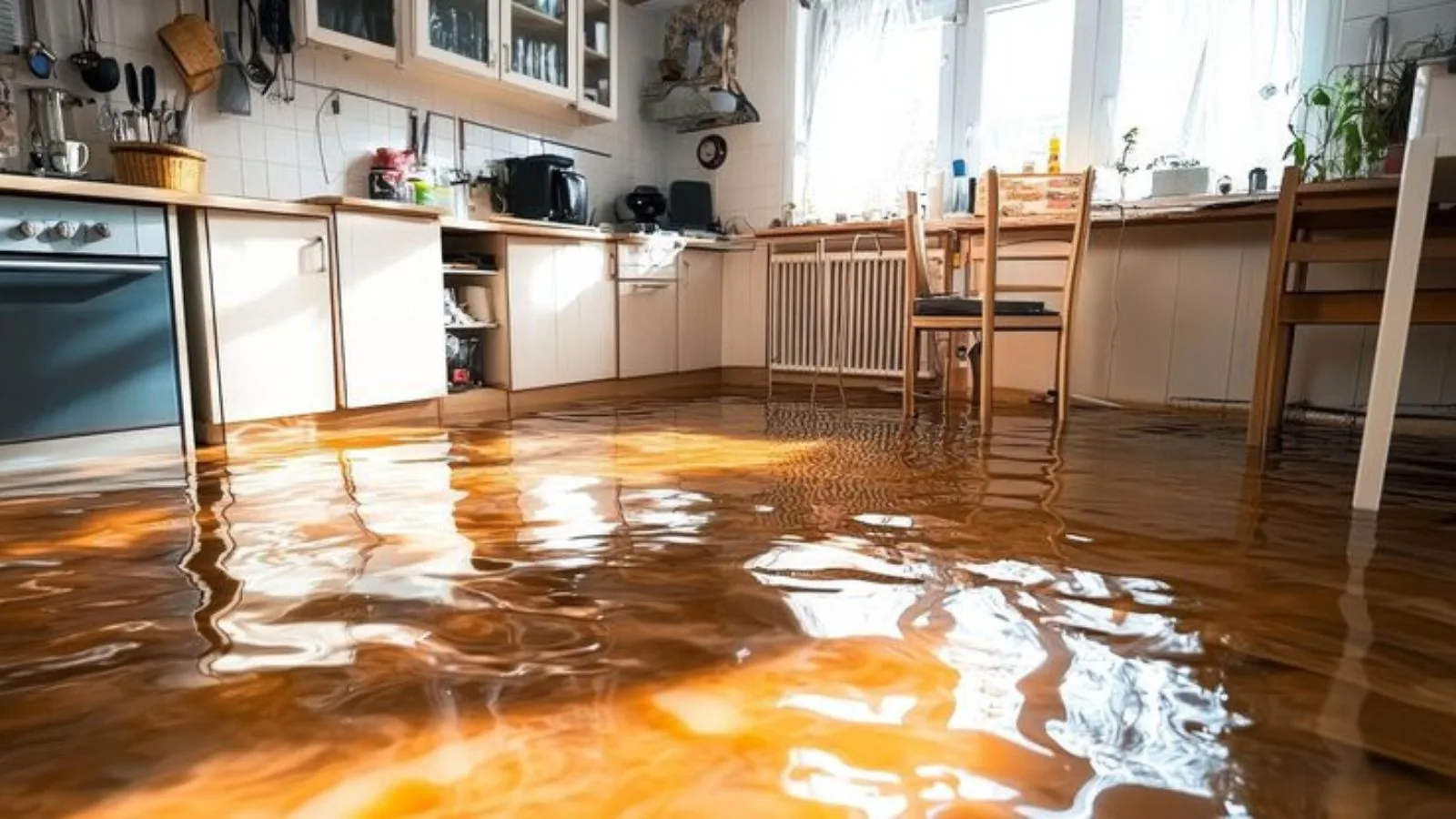
Water and electricity do the most damage when they meet while the device is on. Many wet electronics can be saved if they are kept off and dried properly. Many are ruined by an attempt to turn them on to see if they work.
This guide covers what to do for small devices, large appliances and the wiring of the house, and when to stop and call an electrician.
Safety first
Do not enter standing water if outlets, power strips or appliances are submerged or could be. Shut off power to the area at the breaker panel only if you can reach it from a dry place. If you cannot, call your utility or an electrician. Wet electrical systems can be dangerous even when they look fine.
Small devices: phones, laptops and tablets
- Remove from water, power off if on, and unplug any charger.
- Remove the case, battery if removable, SIM and memory cards.
- Wipe the outside with a soft cloth and leave the ports facing down.
- Let it dry in open, dry air for a couple of days. Do not use a hair dryer or an oven.
- Take it to a repair technician before powering it on.
About rice and other tricks
Rice is not an effective way to dry electronics and can leave starch in ports. Silica gel packs help a little. Time and airflow help more. The most important point is to keep the device powered off until it is checked, because power can short-circuit wet components and cause corrosion.
Large items
| Item | What to do |
|---|---|
| TVs and monitors | Unplug, keep off and have it checked |
| Computers | Remove the drive if you can, back up from a dry drive only |
| Refrigerators and freezers | Check the compressor area, discard spoiled food, have a technician test |
| Washers and dryers | Unplug, check the motor and controls before use |
| Furnaces and water heaters | Do not restart, call a licensed technician |
| Outlets and breakers that were wet | Have an electrician inspect before use |
When to replace
Flood water and sewage leave silt and contaminants that cause corrosion. In those cases, electronics are usually replaced, and safety is the main concern. For clean-water splashes, a technician can often clean and test a device. Ask your insurer how contents are covered, and keep the model numbers and receipts.
Data comes first
If a computer or phone holds important files, tell the technician. Data recovery is often possible from a drive that has dried, even if the device is not worth repairing. Do not run a wet drive to check it, which can destroy the platters or chips. Back up to a safe place once the device is working.
Questions about electronics in your own house? Talk it through with the dispatcher. ☎ (833) 521-1033
The building side
Wet walls hide wiring and outlets. Once the water source is stopped, a restoration crew can open the area and dry the cavity. An electrician should inspect any outlet, switch or panel that got wet before power is restored. For wet wall repair, see wall and drywall water damage repair.
Surge protectors and power strips
Power strips and surge protectors that were wet should be replaced, not dried and reused. Water can corrode the internal parts and leave the device unsafe. The same goes for extension cords and chargers that sat in water. They are inexpensive to replace and risky to reuse.
Preparing for the next time
- Keep electronics off the floor in basements.
- Use a battery backup on the sump pump.
- Consider a leak sensor near the equipment.
- Keep a list of serial numbers and photos of your devices for insurance.
Batteries and fire risk
Lithium batteries in phones, laptops and power tools can overheat if they were soaked and then charged. Do not charge a wet device. If a battery swells, smells sweet or feels hot, move it outside on a non-flammable surface and call your local fire department for advice. Dispose of damaged batteries at a household hazardous waste collection point and not in the trash.
Ask your town for the nearest drop-off location. Many municipal sites and electronics stores take small batteries.
Medical and safety devices
Items that people depend on, such as CPAP machines, oxygen concentrators and smoke detectors, should be checked or replaced after water exposure. Call the manufacturer or your medical supplier for guidance, and do not use a device that has been wet until it has been cleared. Replace smoke and carbon monoxide detectors that were soaked, since moisture can stop them from working properly.
Keeping records for a claim
List each device with its make, model, age and approximate value, and attach photos. Keep receipts and a note of what was running when water arrived. Insurers often pay for electronics as personal property, and a clear list speeds the claim.
If water is already in the house, do not wait on electronics. Call now. ☎ (833) 521-1033
A note on standards
Structural drying around wet wiring and equipment follows the ANSI/IICRC S500 standard, and an electrician clears any wet circuit.
Electronics and Pequannock basements
Home offices, freezers and entertainment systems often sit in finished Pequannock basements. If water gets in, shut off the power first. After flood water in Riverdale or Pompton Lakes, treat the furnace and water heater as unsafe until a technician clears them. For water on a floor with power nearby, call water extraction services and describe the electrical situation.
Questions answered
Can I turn it on to check if it works?
No. Wait until a technician has checked it. Power can destroy a device that could have been saved.
Does insurance cover wet electronics?
Often as contents, if the source of water is covered. Keep receipts and model numbers.
Is it safe to use a wet outlet after it dries?
Have an electrician inspect it first.
Who should I call about wet wiring in Pequannock?
A licensed electrician. Your utility can also advise on service to the house if the panel or meter was wet.